
Precision Emulation with BizHawk
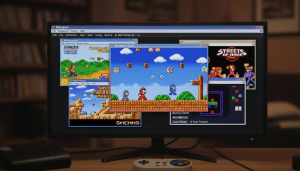
BizHawk is a powerful, open-source multi-system emulator built for accuracy, determinism, and advanced control. Designed with tool-assisted speedrunners, researchers, and retro gaming enthusiasts in mind, BizHawk offers frame-perfect emulation, deep debugging tools, and consistent gameplay reproduction across a wide range of classic consoles.
About BizHawk
BizHawk is an open-source, multi-system emulator created for users who demand precision, transparency, and advanced control over their retro gaming experience. Built with a strong focus on accuracy and determinism, BizHawk is widely used by tool-assisted speedrunners, researchers, and enthusiasts who need consistent and reproducible emulation results.
Unlike general-purpose emulators, BizHawk emphasizes frame-perfect execution and detailed inspection of game behavior. Its integrated tools allow users to analyze memory, inputs, and game state in real time, making it ideal for TAS creation, debugging, and technical exploration of classic games.
Driven by an active open-source community, BizHawk continues to evolve through collaboration and continuous improvement. The project remains committed to preserving classic gaming systems with accuracy while providing powerful features that support experimentation, learning, and creative gameplay.
BizHawk Features
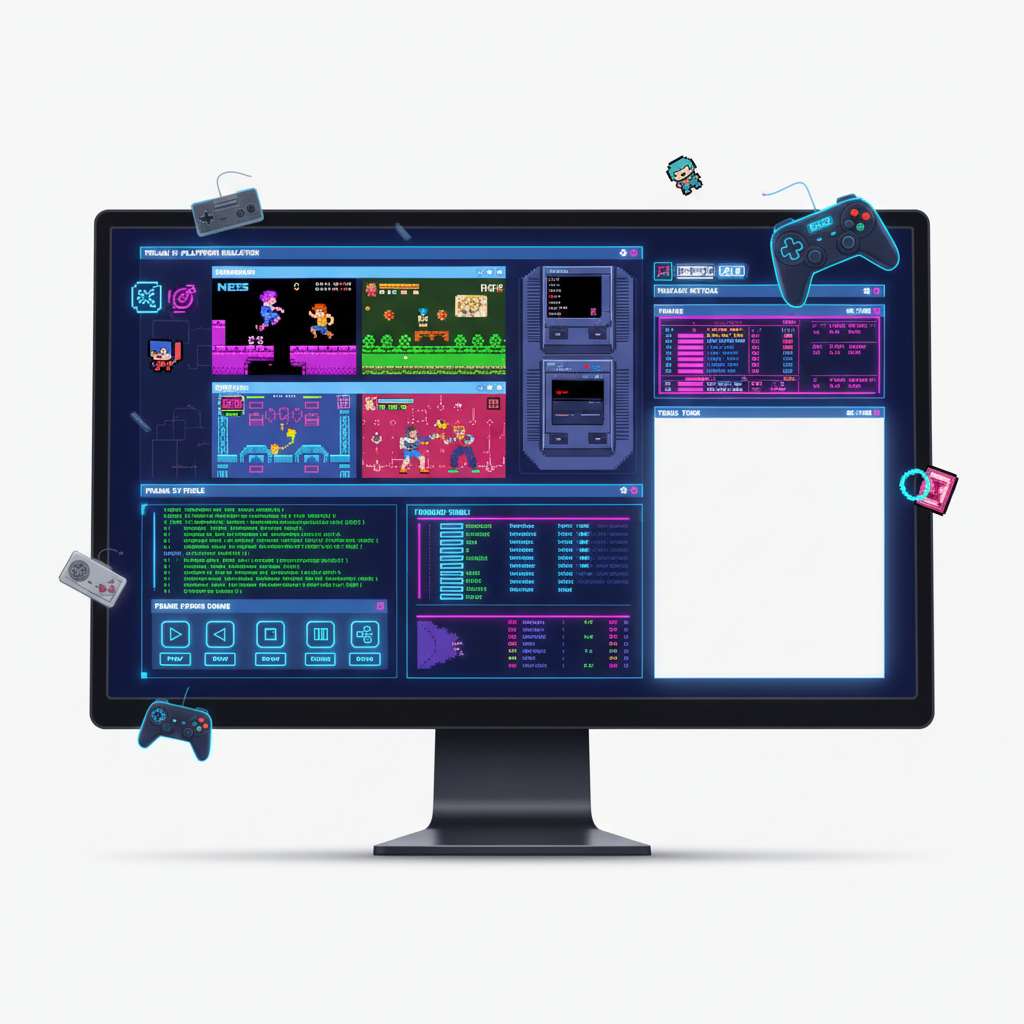
BizHawk is a versatile multi‑system emulator focused on accuracy, powerful tools, and extensibility. It supports advanced TAS tools, scripting, debugging, and seamless controller interfaces for gamers.
Accurate Core Emulation
BizHawk delivers high‑accuracy core emulation for many classic consoles, ensuring faithful reproduction of original game behavior for consistent gameplay and reliable results.
Multi‑System Support
Play games from a wide range of systems such as NES, SNES, Game Boy, Sega, PlayStation, and more — all from one unified interface built to maintain performance and compatibility.
Full Rerecording Tools
Record inputs frame‑by‑frame with built‑in TAS tools that let users create precision speedruns, repeat gameplay sequences, and refine runs with frame perfect accuracy.
Lua Scripting Support
Extend and customize gameplay with Lua scripting, enabling user‑created utilities, automated actions, overlays, and analysis tools that enhance both play and development.
Joypad & Input Support
BizHawk offers seamless joypad integration, adjustable input mapping, and support for keyboard and controller setups, ensuring flexible control for casual play.
Save States & Rewind
Save states let you pause precise moments instantly, while rewind functionality enables going back in time during tough segments — ideal for practice and testing.
Speed & Frame Control
Control game speed with fast forward and slow motion options. Adjust frame timing and pauses for practice, exploration, or creating slow‑motion effect sequences.
Memory & Debug Tools
Analyze game memory, inspect values, and debug behavior using built‑in developer tools — perfect for modders, hackers, and TAS creators looking to dive deep into games.
Custom Layout Options
Customize screen layouts, scale visuals, add borders, and configure display options. BizHawk supports window resizing and multi‑screen setups with visual fidelity.
Why Choose BizHawk ?

Accurate Emulation
Play classic games with precise core emulation for reliable gameplay and consistent results.

Multi-System Support
Enjoy games from NES, SNES, Game Boy, Sega, and more on a single platform seamlessly.

TAS & Rerecording
Use frame-perfect tools for speedruns, testing, and repeating precise gameplay moments.

Why Choose BizHawk ?

Lua Scripting
Customize and automate tasks with Lua scripts to enhance gaming and development workflows.

Save & Rewind
Save game states anytime and rewind gameplay to correct mistakes or practice segments.

Fast Performance
Run games smoothly with optimized speed, low latency, and minimal system resource usage on all supported platforms.
Installation Guide
Download Installer
Visit the official BizHawk website and download the latest version compatible with your operating system for a safe and stable installation.
Run Setup File
Open the downloaded installer and follow on-screen prompts. Confirm permissions and proceed to install BizHawk without interruptions.
Select Installation Folder
Choose a preferred location on your system to install BizHawk. Ensure sufficient space is available for ROMs, savestates, and plugins.
Configure Initial Settings
Set up input devices, audio, video, and emulator preferences during first launch to optimize your gaming experience.
Verify & Launch
Complete installation by launching BizHawk and testing a game or ROM. Confirm controls, display, and performance are working correctly.
Download BizHawak
Stable Release: Get the latest version with all emulator cores fully tested for accuracy.
Cross-Platform Support: Available for Windows, Linux, and macOS—play on your preferred system.
Open Source: Access BizHawk’s code to customize or contribute to the project.
Power-User Tools: Rerecording, Lua scripting, and advanced debugging included for speedrunners and developers.
Play retro games with precise cores, TAS tools, and Lua scripting support.
Guide For BizHawk
Learn how to install, configure, and use BizHawk emulator efficiently for smooth multi-platform gameplay.
BizHawk User Reviews
BizHawk users love its accuracy, multi-platform support, and powerful tools, making it ideal for both casual gamers and speedrunning enthusiasts.
BizHawk Common Questions
Get answers to common questions about BizHawk, including installation, configuration, game compatibility, scripting, and multi-platform usage.
Can I use Lua scripts in BizHawk?
Yes, BizHawk supports Lua scripting for automation, bots, and tool-assisted speedruns.
How do I run a script?
Go to “Tools > Lua Console,” load your script, and execute it. Scripts can read and manipulate memory in real-time.
Can scripts be paused and resumed?
Yes, Lua scripts in BizHawk can be paused, modified, and resumed without restarting the game.
Are there pre-made scripts available?
Many TAS and automation scripts are shared online via forums, GitHub, or BizHawk community sites.
Can I automate multiple games?
Yes, BizHawk allows scripting for multiple ROMs simultaneously if configured properly.
Is scripting safe?
Scripts run locally in memory and do not affect your system, but only use scripts from trusted sources.
Which consoles are supported?
BizHawk supports NES, SNES, N64, Game Boy, Sega Genesis, and many other systems.
How do I load ROMs?
Open BizHawk, click “File > Open ROM,” and select a supported game file from your system.
Can I play multiplayer games?
Yes, local multiplayer works if your system has multiple controllers configured in BizHawk settings.
What file formats are supported?
BizHawk supports standard ROM formats (.nes, .smc, .gb, .gba, .smd) for various consoles.
Are there region restrictions?
No, BizHawk can load ROMs from any region as long as the emulator supports that console.
How to fix a ROM not loading?
Ensure the file is uncompressed, in a supported format, and that the correct core is selected in BizHawk.
Can I use Lua scripts in BizHawk?
Yes, BizHawk supports Lua scripting for automation, bots, and tool-assisted speedruns.
How do I run a script?
Go to “Tools > Lua Console,” load your script, and execute it. Scripts can read and manipulate memory in real-time.
Can scripts be paused and resumed?
Yes, Lua scripts in BizHawk can be paused, modified, and resumed without restarting the game.
Are there pre-made scripts available?
Many TAS and automation scripts are shared online via forums, GitHub, or BizHawk community sites.
Can I automate multiple games?
Yes, BizHawk allows scripting for multiple ROMs simultaneously if configured properly.
Is scripting safe?
Scripts run locally in memory and do not affect your system, but only use scripts from trusted sources.
How to improve emulation performance?
Enable frame skip, use lower resolution rendering, and close background apps to reduce lag.
Can I adjust video settings?
Yes, BizHawk allows shaders, filters, and resolution scaling in the Display settings for visual quality.
How do I configure controllers?
Go to “Config > Controllers,” map buttons, and test inputs for each connected gamepad.
Does BizHawk support save states?
Yes, you can save and load game states anytime for faster retries and TAS runs.
Can I change audio settings?
Yes, adjust sample rate, enable/disable audio sync, and mute or reduce background noise.
How do I reset all settings?
Use the “Config > Reset to Defaults” option to restore BizHawk to its original configuration.
BizHawk – Advanced Multi-System Emulator for Precision Gaming

BizHawk is a powerful multi-system emulator for precision gaming, speedrunning, and TAS tools with advanced features and high accuracy.
Price: Free
Price Currency: $
Operating System: Windows
Application Category: Software
4.6